

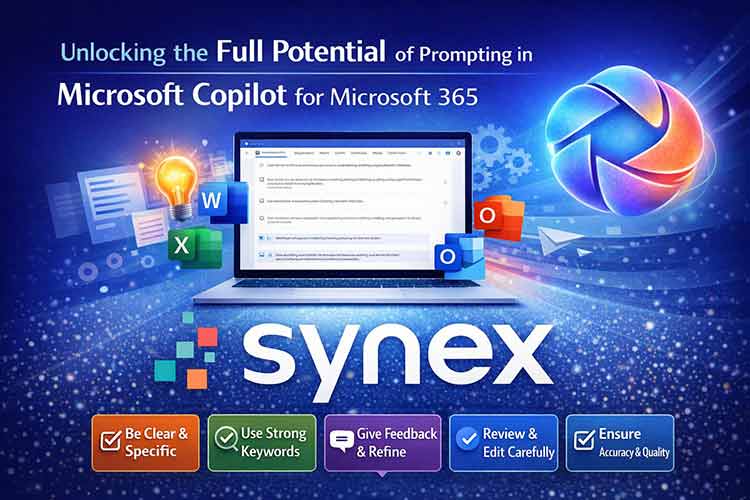
Unlocking the Full Potential of Prompting in Microsoft Copilot for Microsoft 365
Microsoft Copilot for Microsoft 365 is rapidly becoming an essential productivity tool for modern workplaces. Yet many businesses are still using it like a simple chatbot—missing out on the deeper capabilities that make Copilot a genuine game‑changer.
To get real value from Copilot, you must learn how to prompt it effectively. Good prompts lead to accurate, high‑quality results. Poor prompts lead to frustration. Below are the key principles every organisation should follow to unlock Copilot’s full potential.
Be Clear and Specific with Your Instructions
Copilot performs best when it knows exactly what you want.
Your prompts should clearly define:
- Topic – What are you writing about?
- Purpose – Why do you need this content?
- Tone – Professional, concise, friendly, or persuasive
- Length – 100 words, bullet points, 3‑paragraph summary, etc.
This level of clarity gives Copilot the structure it needs to deliver content that meets your expectations.
Use Strong Keywords and Phrases
When you ask Copilot to create content, use direct, descriptive keywords. These help the AI understand intent and produce more relevant, creative, and contextual results.
For example:
Weak: “Write something about security.”
Strong: “Write a 150‑word executive briefing on data security risks for SMBs.”
Quality keywords = quality output.
Give Feedback and Improve the Output
Think of Copilot as a collaborative assistant. If the first response is not perfect, refine it:
- “Make this more concise.”
- “Adjust the tone to sound more formal.”
- “Rewrite this with clearer transitions.”
- “Provide three alternative versions.”
Feedback trains Copilot to match your style and preferences, improving results over time.
Use Clean, Properly Structured Prompts
Your input sets the standard for Copilot’s output.
Prompts written with correct grammar, punctuation, and structure lead to:
- Clearer responses
- Better reasoning
- Higher accuracy
- More consistent tone
A well‑written prompt saves time and reduces editing later.
Always Review Copilot’s Output
Even though Copilot is powerful, it’s not perfect.
Always review the content for:
- Accuracy
- Grammar
- Readability
- Relevance
- Professional tone
This ensures you maintain quality and consistency in your communications.
How Synex Technology Can Help
As your Microsoft partner, Synex Technology helps organisations get the most out of Copilot for Microsoft 365. Our team specialises in deployment, optimisation, training, and customisation to ensure you gain measurable productivity benefits.
Whether you’re just getting started or looking to scale your AI usage, we can support you at every stage.
Contact Synex Technology today to accelerate your Copilot journey and boost your organisation’s productivity.