

Microsoft Teams Calling
- Home
- Microsoft Teams Calling
Turn Teams into your business phone system - secure, flexible, and Australian-ready
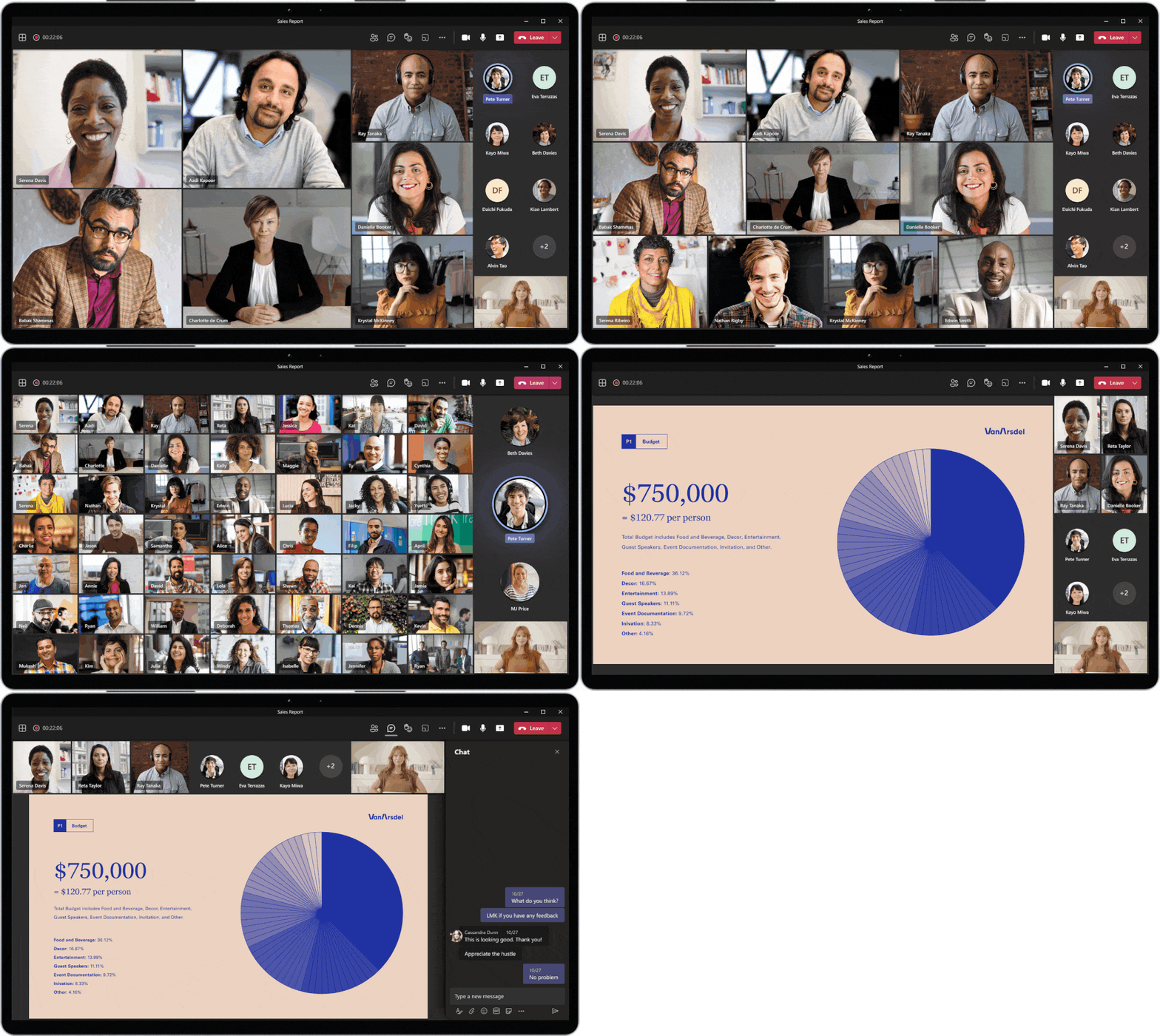
Make and receive external calls directly in Microsoft Teams. Synex Technology designs, deploys, and supports Microsoft Teams Calling with Direct Routing or Operator Connect, so your staff can use one app for chat, meetings, and Outbound calling on desktop, mobile, or certified desk phones. We handle licensing, number porting, call flows, analytics, and end-to-end support.
Why choose Teams Calling with Synex
What we deliver?
Discovery & design
User mapping, IVR, queues, numbering, policies.
Licensing & readiness
Microsoft 365/Teams Phone requirements, SBC/firewall rules, QoS.
Porting & provisioning
Keep your existing numbers; we stage pilots and schedule cutover.
Apps & devices
Desktop/mobile softphones and Teams-certified handsets/headsets.
Analytics & quality
Wallboards, reports, and optional recording for QA/compliance.
Training & support
Admin/user training, knowledge base, and Australian support.

Popular scenarios we enable
Replace legacy PBX
Keep workflows while moving calling into Teams.
Hybrid & multi-site
One cloud system for HQ, branches, field, and home workers.
Contact queues
Skills-based routing, queue callbacks, live dashboards, and reports.
CRM & productivity
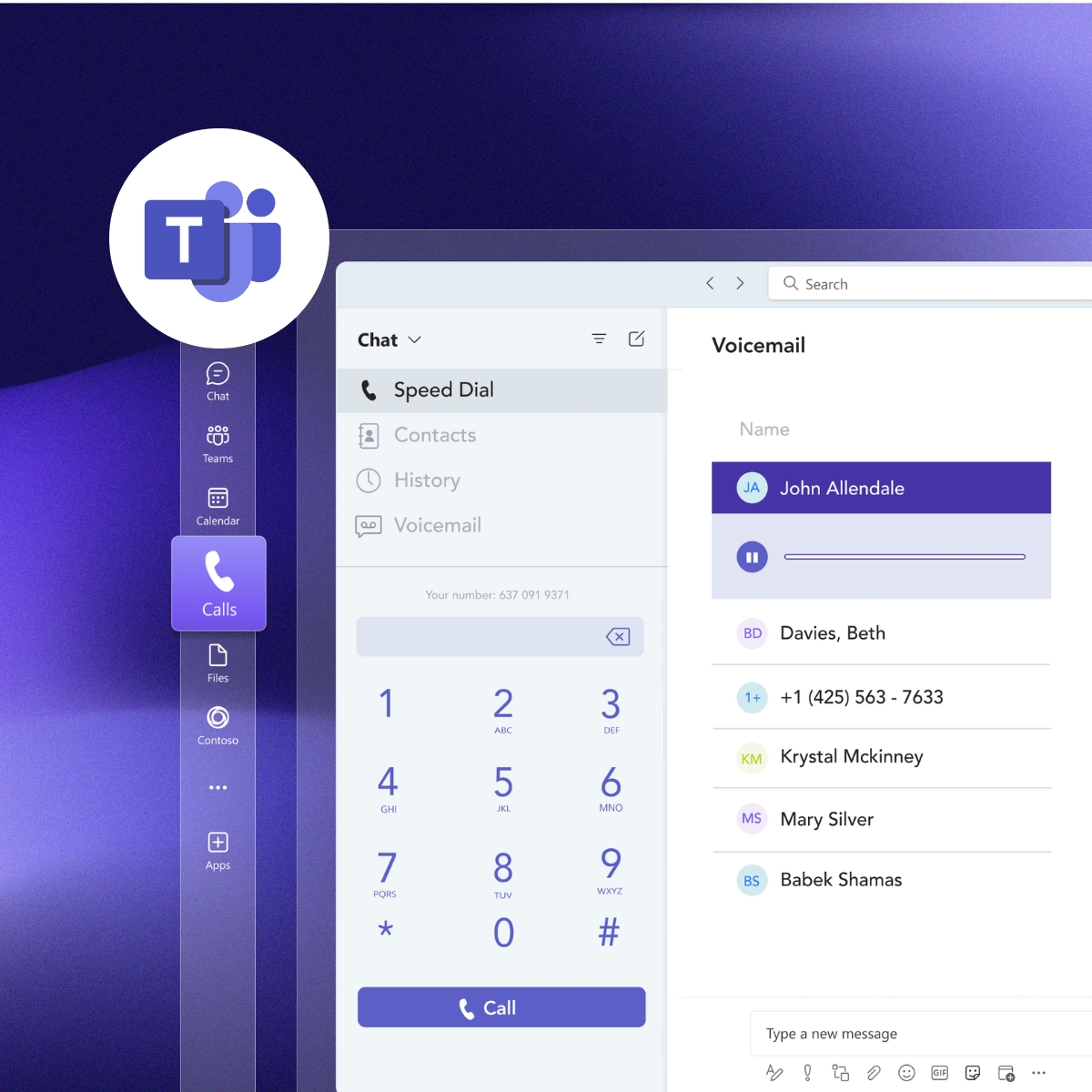
Click-to-call, presence, voicemail-to-email, and transcription.
How Deployment Works
Plan
Confirm users, numbers, locations, and call outcomes (e.g., sales, support).
Build
Configure Direct Routing/Operator Connect, IVRs/queues, and security policies.
Pilot
Test with a small group; tune QoS and call flows for AU networks.
Port & cutover
Migrate numbers, go live with real-time monitoring and rollback plan.
Optimize
Reports, adoption tips, and continuous improvements.
Wanna Start Simple?
Frequent Asked Questions
Typically Microsoft 365 (e.g., Business or E-plans) plus Teams Phone add-on. We’ll confirm the right mix for each user.
Yes, local and inbound (1300/1800) services are supported, with straightforward porting.
Yes, use Teams-certified handsets or just the desktop/mobile apps.
Yes, you get auto attendants, queues, routing, analytics, and more inside Teams.
Tell us your user count, numbers to port, and desired call flows. We’ll design your Teams Calling solution and provide a fixed deployment plan.